


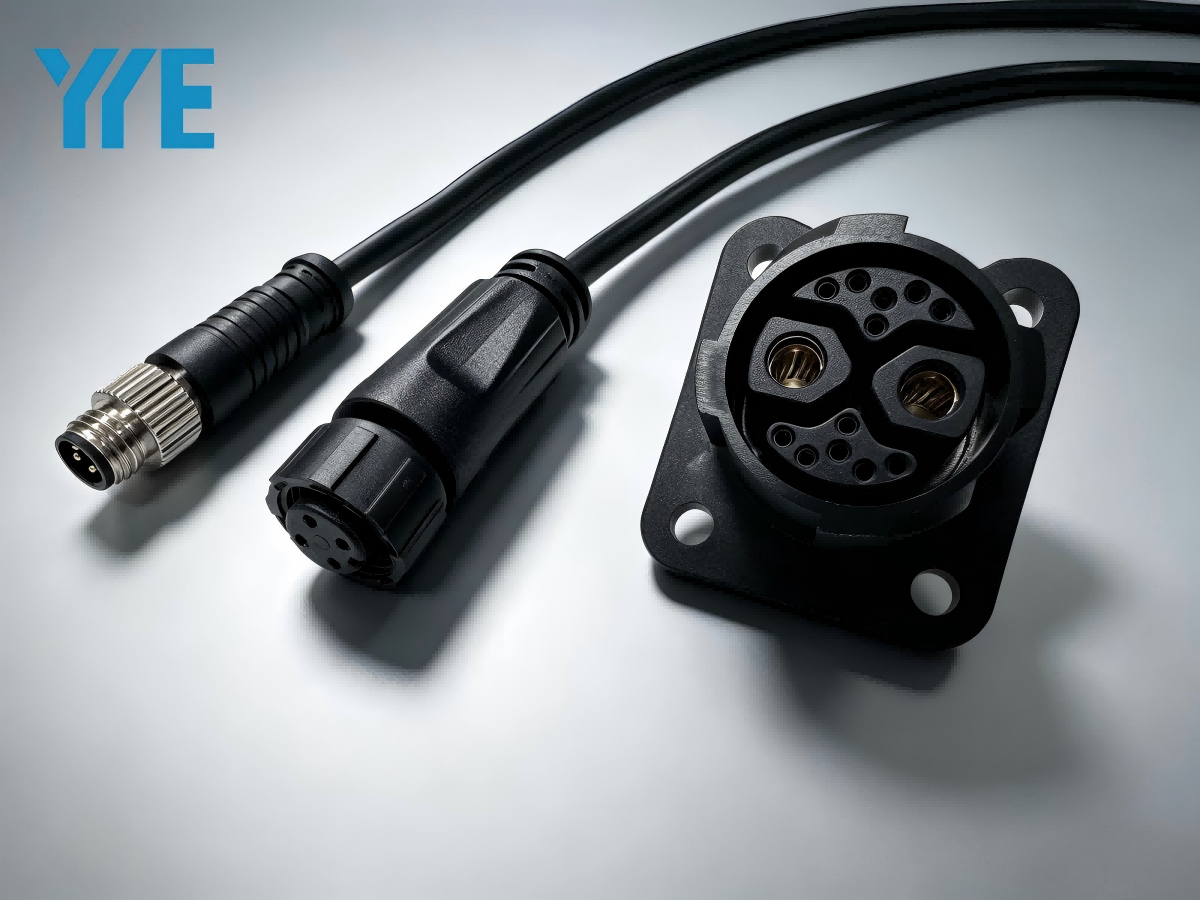
If you’ve ever stood in front of a cabinet full of industrial connectors and felt completely stuck – you’re not alone.
Last month one of our customers in automotive assembly had a whole test line down for almost a full shift. Not because of a PLC failure, not because of a broken sensor. Because someone ordered M8 connectors when the device clearly needed M12. Four millimeters difference. That’s it. And nothing worked.
So yeah – M8, M12 and M23 look like cousins. Same round shape, same threaded ring. But in real life, on a vibrating machine floor or inside a tight robot arm, picking the wrong one will cost you time and money.
Here’s what I’ve learned after years of helping people untangle this mess. In this post, we break down their key differences, electrical specs, mechanical features, and real-world use cases to help you choose the right one for your project at www.yyecon.com.
It’s not just about size – but size is where you start
The numbers (8, 12, 23) tell you the thread outer diameter in millimeters. Nothing fancy.
-
M8 – thinner than your pinky finger. Almost cute, honestly.
-
M12 – about the thickness of an index finger. This is the workhorse.
-
M23 – chunky. Think the size of a US quarter or a 1‑euro coin. You feel it in your hand.
Here’s a mistake I see often: engineers pick M12 because “it’s standard”. Then they try to route it through a small opening in a robot wrist or a cable carrier that bends tightly. The M12 physically fits – but the bend radius kills the cable after three months. Intermittent signal, then total failure. An M8 would have survived twice as long in that same spot.
Size isn’t just about fitting the thread. It’s about how the cable bends and where it lives.
Pin count and what you’re actually trying to send
Not all signals are the same. And that’s where M8, M12 and M23 really start to separate.
M8 – the sensor guy
Most M8 connectors you’ll see are 3‑pin or 4‑pin. Why? Because M8 lives on simple sensors. A proximity switch, a magnetic reed switch on a cylinder, a tiny photoelectric sensor. It just needs power (+), ground (-) and one signal wire.
You can get M8 with up to 10 or 12 pins. But honestly? The pins get so close together that in a high‑vibration environment (like a stamping press), you risk crosstalk or intermittent shorts. We rarely recommend anything above 6 pins in M8 for factory use.
M12 – the Swiss Army knife
This is where it gets interesting. M12 can do almost anything – if you pay attention to the coding.
-
A‑coded M12 (usually 4 or 5 pins) – standard sensors, actuators, power. This is what most people imagine when they say “M12”.
-
D‑coded M12 (4 pins, but different keying) – 100 Mbit Ethernet. Profinet and EtherNet/IP run on this. Don’t mix A and D. The pins might look similar, but the plastic key is different. Force them together and you’ll destroy the device port. Yes, I’ve seen it happen.
-
X‑coded M12 – Gigabit Ethernet. For industrial cameras or high‑speed vision systems. Much more expensive. Worth it if you move big image files.
M23 – the muscle
M23 isn’t trying to be small. It’s trying to carry current and mixed signals. Typical pin counts: 6, 9, 12, 16, up to 19 pins.
The big difference? Contact ratings. A standard M23 pin can handle 8–10 A easily. Heavy‑duty versions go to 25–30 A. That’s servo motor territory – or brakes, large rotary encoders, and power supply lines inside machines.
We had a customer last year using an M12 to run a 750W servo. The connector got hot enough to melt the plastic housing. Switched to M23 – no more heat, no more downtime.
Typical applications – where each one belongs
Let me put this in real‑world terms. Imagine you’re walking through a car plant or a packaging line.
M8 applications
-
End‑of‑arm tooling on small robots
-
Miniature limit switches
-
Pneumatic cylinder position sensors (magnetic reed type)
-
Anywhere space is tight and vibration is moderate
Field tip: In wet areas (food, beverage, washdown), pay extra for the overmolded IP67/IP69K M8 cables. Don’t try to hand‑wire them in the field. I’ve seen too many hand‑wired M8 connectors fail because water crept in through the back. Just buy the molded version.
M12 applications
-
Almost every modern industrial sensor (up to medium size)
-
Profinet and EtherNet/IP fieldbuses (D‑coded)
-
Industrial Ethernet switches and I/O blocks
-
DeviceNet (5‑pin mini, often called “Micro” style)
-
Analog signals (4–20 mA loops) with shielded versions
One real example: A vision system for bottle inspection. Camera uses X‑coded M12 for image data, separate A‑coded M12 for power and a trigger signal. Two connectors, different jobs, same format.
M23 applications
-
Servo motor power and brake lines
-
Hybrid cables (power + signal in one round connector)
-
Absolute encoders that need multiple signal channels + power
-
Rotary tables and indexing drives
-
Heavy industrial robotics where vibration and current are high
My honest advice: If your device manual calls for M23, don’t try to downsize to M12 to save $20. That $20 will look very stupid when you replace a burned motor drive.
Quick comparison table (field‑tested version)
| Feature | M8 | M12 | M23 |
|---|---|---|---|
| Diameter (thread) | 8 mm | 12 mm | 23 mm |
| Typical pins | 3, 4 pins | 4, 5, 8, 12, 17 pins | 2,6, 9, 12, 16, 19 pins |
| Max current per pin | ~1.5–2 A | ~1.5–4 A (depends on pin gauge) | 8–30 A |
| Main job | Sensor signals | Ethernet + sensor + bus | Power + heavy signals |
| Common coding | A‑coded | A, B, D, X, S, T | (usually no standard letter code – check datasheet) |
| Tight space? | Yes, great | OK, but watch bend radius | No – needs room |
| Crimp or solder? | Usually pre‑molded cable | Both – but pre‑molded is safer | Mostly crimp for field install |
Two things nobody tells you (until after something fails)
1. The seal matters more than the metal
I’ve seen brand‑new M12 connectors fail in six months – not because the pins were bad, but because the O‑ring seal was cheap rubber instead of real silicone. Moisture gets in, pins corrode, and the device starts giving random false signals. You waste days debugging logic before realizing it’s the connector.
At yyecon we only stock connectors with proper sealing and real gold plating on the contacts. Cheap ones aren’t worth the troubleshooting headache.
2. Always leave spare pins – future you will say thank you
If your device needs 6 pins, use a 12‑pin M23 or a 12‑pin M12 (yes, they exist). Leave the extra pins empty. Because three years from now, someone will want to add a thermocouple or an extra enable signal. Without spare pins, you’re pulling new cable through a crowded cable tray. With spare pins, you just crimp one more wire. Done.
Still not sure which one you need?
I get it – specs can be messy. Here’s what actually helps:
-
Take a photo of your device’s connector port (close‑up)
-
Check if there’s any printed code next to it (A, D, X, etc.)
-
Count the pins – but remember, pin count alone isn’t enough
-
Look at your cable: is it thick? thin? shielded?
Then just email us or use the chat on yyecon.com with those details. We’ve seen enough of these to recognize the right match in a few minutes.
